
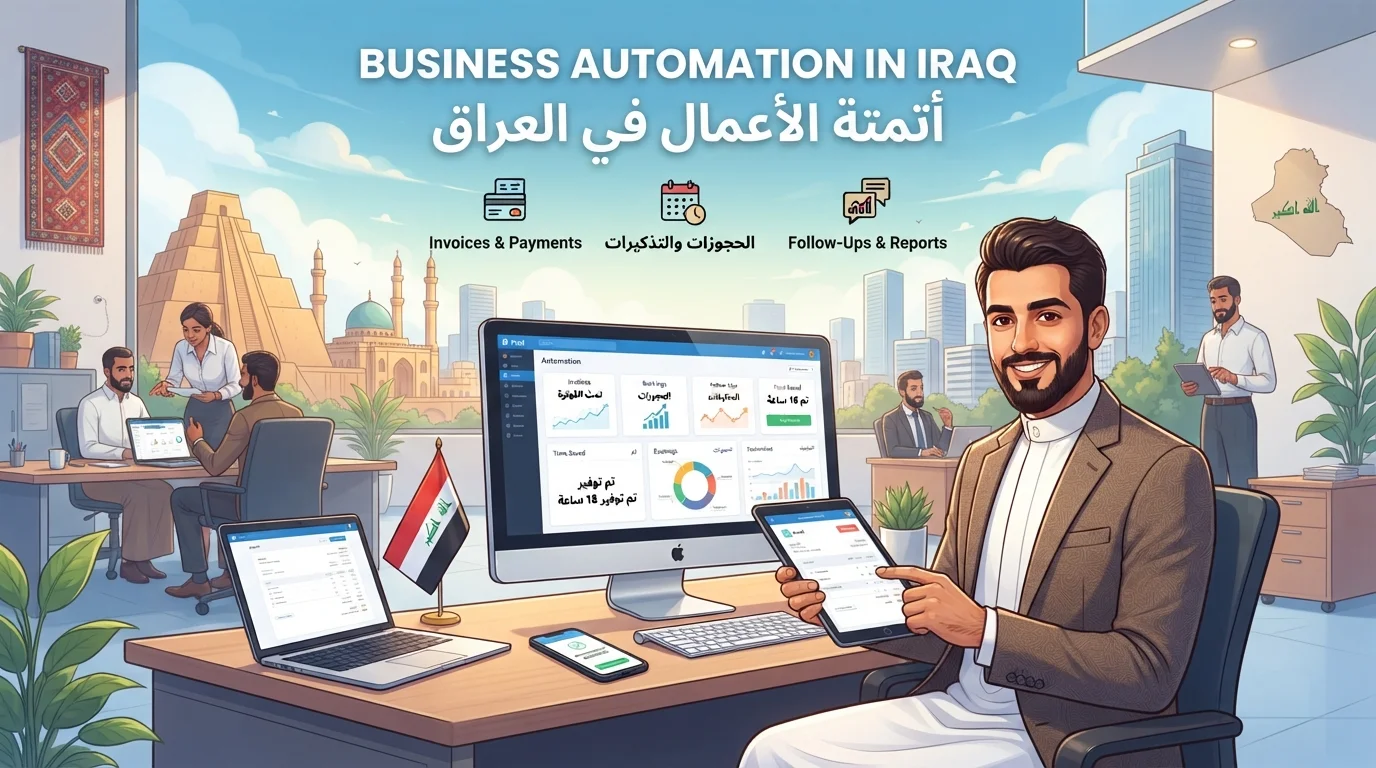
Consider a typical day at a dental clinic in Basra. The receptionist confirms tomorrow’s appointments by calling each patient, one by one. The accountant types invoice details from a notebook into a spreadsheet. The manager waits until evening to ask how many bookings came in, and someone has to count them by hand. None of this work is difficult. It is simply repetitive, and it quietly eats hours every week. Business automation is about handing that repetitive work to software, so people can spend their time on patients, customers, and decisions.
This guide explains business automation for small and mid-sized companies in Iraq in plain, practical terms. It covers which tasks are worth automating first, how automation works for invoices, bookings, follow-ups, and internal reports, which kinds of tools fit different budgets, the local conditions you need to plan for, and a simple way to calculate how much time you will actually save before you spend money.
What Business Automation Means for an SME?
Business automation means using software to carry out routine tasks automatically, following rules you define. When something happens, such as a new booking, a paid invoice, or a form submission, the system takes the next step without someone having to remember it.
Rules First, AI Second
Most useful business automation is rule-based and predictable: “when a booking is made, send a confirmation; the day before, send a reminder.” AI adds a different layer, such as reading an incoming message and deciding what it is about, or drafting a reply. AI is helpful in specific places, but the foundation for most SMEs is simple, reliable rules. If you are exploring where AI fits, our guide on where to start with AI for Iraqi businesses is a good companion to this article.
What Automation Does Not Replace?
Automation does not replace judgment, relationships, or responsibility. It will not negotiate with a supplier, calm an upset customer, or decide whether to give a discount. Good business automation removes the copying, reminding, and chasing around those moments, and hands them back to a person when it matters.
Which Tasks Should You Automate First?
Not every process deserves automation. The best candidates share four traits.
The Four-Question Test
Before automating any task, ask:
- Does it happen often, daily or weekly?
- Does it follow the same steps each time?
- Does it involve copying information from one place to another?
- Do mistakes or delays here cost money or customers?
If the answer is yes to three or four, the task is a strong candidate for business automation. If it happens twice a year or needs careful judgment every time, leave it manual.
Start Business Automation Where Customers Feel It
Tasks that touch customers directly, such as confirmations, reminders, and follow-ups, usually deliver visible results fastest. Internal tasks like reports and approvals save staff time but are less noticeable at first. A sensible plan combines one of each.
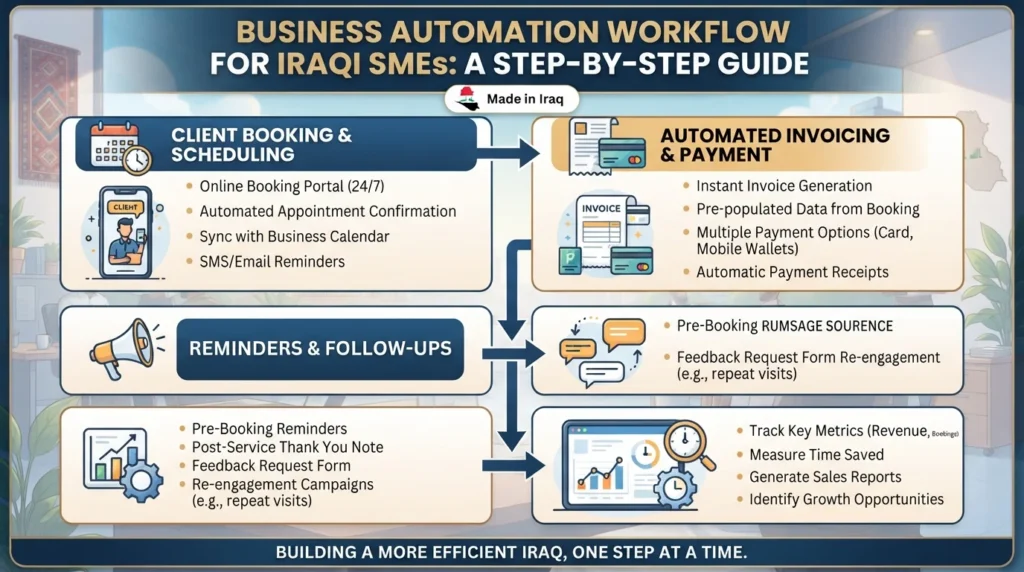
Automating Invoices and Payments
Invoicing is one of the most common starting points for business automation because it combines repetition, copying, and real financial risk.
From Quote to Invoice Without Retyping
When a quote is accepted, its details, such as customer name, items, quantities, and prices, can be turned into an invoice automatically instead of being typed again. This removes one of the most common sources of errors: a price or quantity that changed between documents. It is a small piece of business automation, but it protects every invoice that follows.
Automatic Payment Reminders
Instead of someone remembering to chase unpaid invoices, the system can send a polite reminder a few days before the due date, another on the due date, and alert your accountant if payment is still missing after that. For B2B companies with many open invoices, this form of business automation often pays for itself quickly in improved cash flow.
Handling Currency and Cash
Many Iraqi businesses deal in both Iraqi dinars and US dollars, and many still receive cash. Make sure your invoicing tool handles the currencies you use and records exchange rates clearly. For online stores, reconciling cash on delivery collections with orders is another task worth automating, as discussed in our guide to cash on delivery ecommerce in Iraq.
Check Requirements With Your Accountant
Invoice formats, tax details, and record-keeping requirements depend on your business type and should be confirmed with your accountant. Automation should follow those requirements, not invent its own.
Automating Bookings and Appointments
For clinics, salons, training centers, car service centers, consultants, and restaurants, bookings are where business automation removes the most phone calls.
Instant Confirmations
When a customer books through your website, a form, or a booking tool, they should immediately receive a confirmation with the date, time, location, and what to bring. This reassures them and reduces “did my booking go through?” calls. Confirmations are the easiest business automation win for any company that takes appointments.
Reminders That Reduce No-Shows
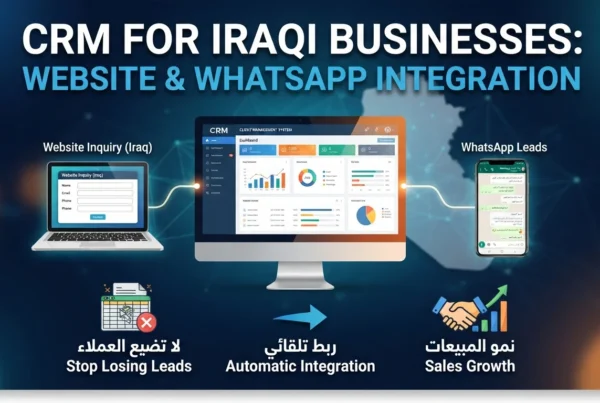
A reminder the day before, and optionally a few hours before, helps customers remember and gives them an easy way to reschedule. In Iraq, these reminders usually work best on WhatsApp, since that is where customers already talk to businesses. Automated WhatsApp messages at scale typically require the WhatsApp Business Platform through an approved provider, as explained in our guide to WhatsApp Business for Iraqi companies.
Easy Rescheduling and Waitlists
Let customers reschedule or cancel through a link or a simple reply, and automatically offer freed slots to people on a waitlist. This keeps your calendar full without staff making extra calls.
Track Where Bookings Come From
Connect bookings to your website analytics so you know which pages and campaigns bring real appointments. Our guide to GA4 lead tracking for Iraqi businesses shows how to measure forms, calls, and WhatsApp clicks.
Automating Follow-Ups and Lead Handling
Many sales are lost not because the customer said no, but because nobody followed up. Here business automation works as a safety net.
Assign Every New Enquiry
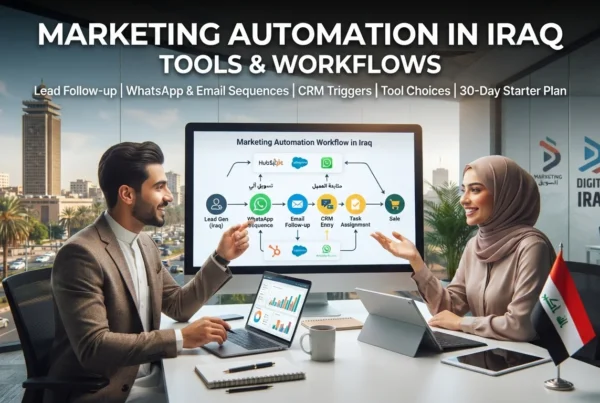
When an enquiry arrives, the system can assign it to the right person based on service, city, or language, and alert a manager if it is still unanswered after a set time. Nothing waits in a shared inbox hoping someone notices. For teams that juggle WhatsApp, calls, and website forms, this is often the most valuable business automation of all.
Follow Up on Quotes
When a quote is sent and the customer goes quiet, a friendly follow-up after two or three days, and a final one a week later, closes the loop. The messages should sound human and offer a clear way to reply or call. Business automation handles the timing; your team still handles the conversation.
After-Sale Messages
After a purchase or completed service, an automated thank-you, a useful tip, and later a review request keep the relationship going. For businesses that send newsletters or onboarding sequences, our guide to email marketing automation covers how those flows work.
Automating Internal Work: Approvals, Stock, and Reports
Not all business automation faces customers. Some of the biggest time savings come from inside the company.
Approvals and Requests
Purchase requests, leave requests, and expense approvals often move by WhatsApp messages and paper forms. A simple workflow lets an employee submit a request, routes it to the right manager, records the decision, and notifies everyone involved. Nothing gets lost in a chat thread. Approval workflows are a quiet but powerful form of business automation for companies with several branches.
Stock and Inventory Alerts
Retailers, pharmacies, and distributors can receive automatic alerts when an item falls below a minimum level, instead of discovering shortages when a customer asks for something that is no longer on the shelf. Connected to your sales system, this kind of business automation also shows which items move fastest.
Daily and Weekly Reports
Instead of someone compiling numbers every evening, the system can send managers a short summary each morning: new bookings, enquiries, sales, unpaid invoices, and tasks overdue. This is one of the simplest forms of business automation and one of the most appreciated by owners.
Choosing Business Automation Tools
There is no single best tool. The right choice depends on what you already use, your budget, and how unusual your processes are.
Use Business Automation Features You Already Have
Accounting software, booking tools, ecommerce platforms, email platforms, and the WhatsApp Business app often include automation features that go unused. Start there before buying any new business automation software.
No-Code Business Automation Tools
No-code automation tools connect different apps together using visual rules, for example “when a form is submitted, add a row to a sheet and send a WhatsApp alert.” They suit SMEs that want to automate quickly without hiring developers, though costs can grow with usage, so check current pricing with each provider.
Custom Web Applications
When your process is unusual, involves several departments, or needs to connect with in-house systems, a custom web application may be the better route. It costs more upfront but fits your workflow exactly. Our web applications development services in Iraq cover this kind of project, and our guide to web applications in Iraq explains when custom development is worth it.
AI Agents and Chatbots
For tasks that involve understanding messages, such as sorting enquiries, answering routine questions, or collecting booking details in a conversation, AI agents and chatbots can extend your business automation. They need careful setup and a clear handover to a person. Our guide to AI chatbots for Iraqi businesses explains when they help and when they hurt.
Local Conditions to Plan For
Business automation in Iraq works best when it is designed around local realities rather than copied from a template built elsewhere.
Power and Connectivity Interruptions
Power cuts and connectivity interruptions still affect many offices. Cloud-based tools keep running when your office goes offline, but make sure staff can still work from their phones and that there is a simple manual fallback for critical tasks such as taking bookings. Any business automation that controls bookings or orders needs that fallback.
Mobile-First Teams and Customers
Many staff and most customers work from phones. Every business automation message, approval, and report should be easy to read and act on from a mobile screen.
Arabic, Kurdish, and English
Check that your tools display Arabic correctly, including right-to-left text in messages and documents. If you serve customers in Kurdish or English too, plan message templates in each language rather than relying on automatic translation. Poorly translated automated messages undermine trust in your business automation faster than anything else.
Customer Data and Consent
Only send automated messages to customers who expect them, make opting out easy, and limit who can access customer information. Messaging platforms have their own rules, and breaking them can restrict your account.
How to Calculate the Time You Will Save?
Before investing in business automation, estimate the benefit with a simple calculation rather than guessing.
A Simple Formula
Multiply the minutes a task takes by how often it happens each month, then divide by 60. That gives you the hours spent per month. Then estimate what share of that time business automation would remove; it is rarely 100%, because someone still needs to check exceptions.
A Worked Example
Suppose a receptionist spends about three minutes calling each patient to confirm an appointment, and the clinic has around 400 appointments a month. That is 1,200 minutes, or 20 hours a month. If automated reminders remove most of those calls, leaving perhaps a quarter for patients who need a personal call, the clinic frees roughly 15 hours a month. These figures are illustrative; use your own numbers.
Count the Hidden Benefits Too
Time saved is only part of the value. Fewer missed follow-ups, fewer invoice errors, fewer no-shows, and faster responses all affect revenue, even if they are harder to measure precisely. Track them for a month before and after business automation to see the difference.
Common Mistakes to Avoid
A few problems appear again and again:
- Automating a messy process instead of fixing it first.
- Building too many workflows at once and maintaining none of them.
- Sending robotic messages that sound nothing like your brand.
- Leaving no clear owner responsible for each workflow.
The best business automation projects start small, have an owner, and are reviewed regularly.
A Five-Step Business Automation Rollout Plan
Use this sequence to start safely:
- List your repetitive tasks and apply the four-question test.
- Pick one customer-facing and one internal task to automate first.
- Map each step on paper before setting up any tool.
- Launch, monitor exceptions closely for two weeks, and adjust.
- Measure time saved and results, then choose the next workflow.
Frequently Asked Questions About Business Automation
Common examples include booking confirmations and reminders, invoice creation and payment reminders, quote follow-ups, lead assignment, approval requests, stock alerts, and daily reports. Any task that is frequent, repetitive, and rule-based is a good candidate for business automation.
Not always. Much business automation can be set up with features in tools you already use or with no-code automation tools. A developer becomes useful when processes are complex, span several systems, or need a custom application.
It can start small. Using existing features costs little, no-code tools usually charge by usage, and custom systems require a larger investment. Calculate time saved first so the cost is compared against a real benefit.
Not if it is done well. Automation should handle confirmations, reminders, and routine steps, while people handle conversations, complaints, and decisions. Customers usually notice faster service, not the software behind it.
Free Your Team for the Work That Matters
Business automation helps Iraqi SMEs stop losing time to repetitive tasks and stop losing customers to forgotten follow-ups. Start with tasks that are frequent and rule-based, design around local conditions such as mobile use, WhatsApp, and connectivity, calculate the benefit honestly, and expand one workflow at a time.
If you want help identifying which processes to automate and building the right workflows, Creative 4 All can review how your business runs today and recommend a practical starting point. Explore our AI agents and automation services in Iraq, see our custom web applications, or message us on WhatsApp to request a consultation.